Last year, I was invited to a promising startup as a UI designer to create a new resume building tool from a sketch. The idea was like that. The user comes inside, enters his personal information and the builder helps him to get a ready resume.
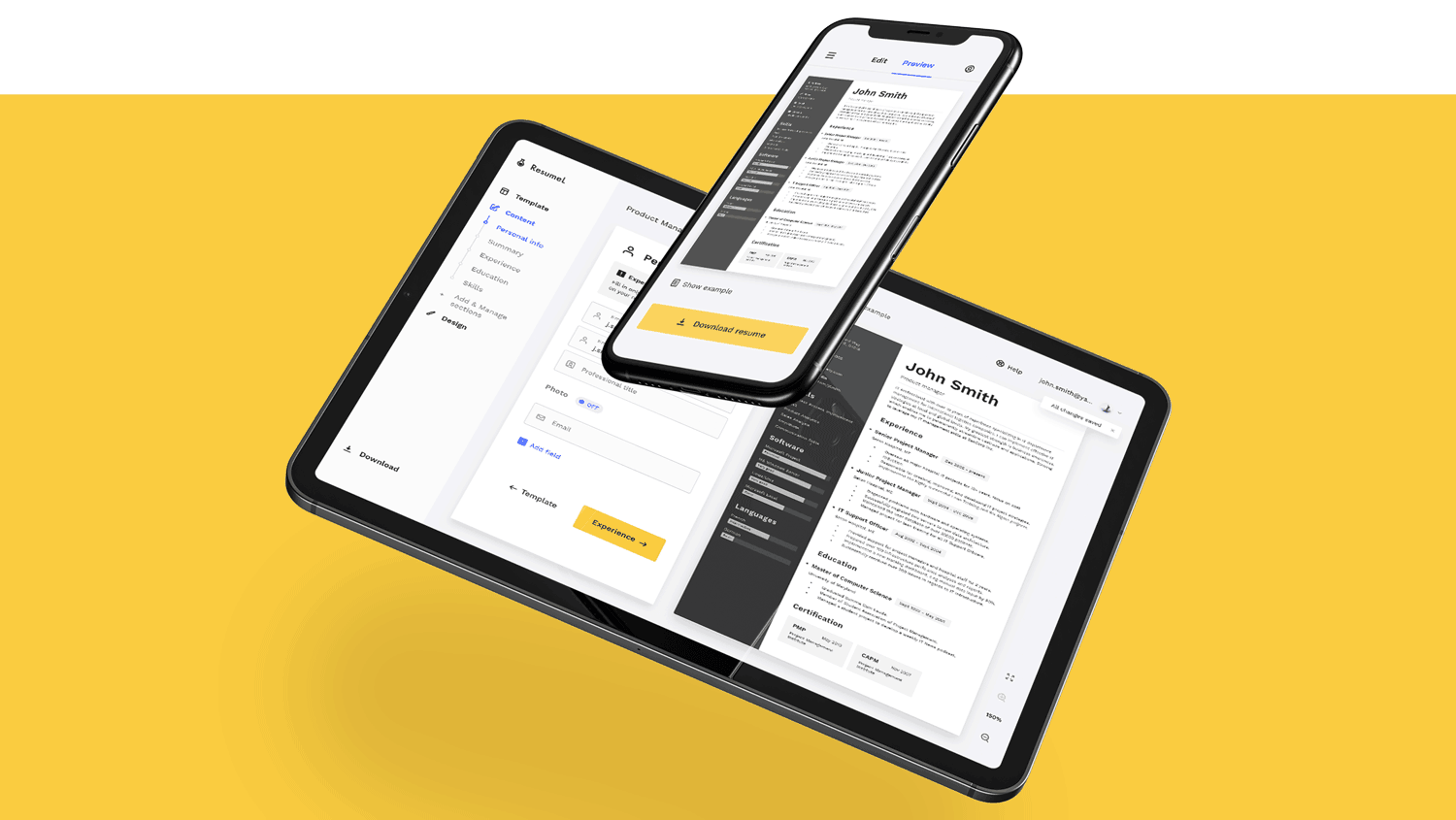
The problem that I needed to solve as a UI Designer was that the previous tool of the company was a simple page and it was necessary to come up with everything from scratch, a new color palette, graphic style, icons, grid, fonts, everything.
I also participated in the strategic planning of the tool functionality.
The concept was based on the decision that we put on one screen the controls, a form for entering user information and a full resume preview. The difficulty was to keep the interface clean and not overloaded.
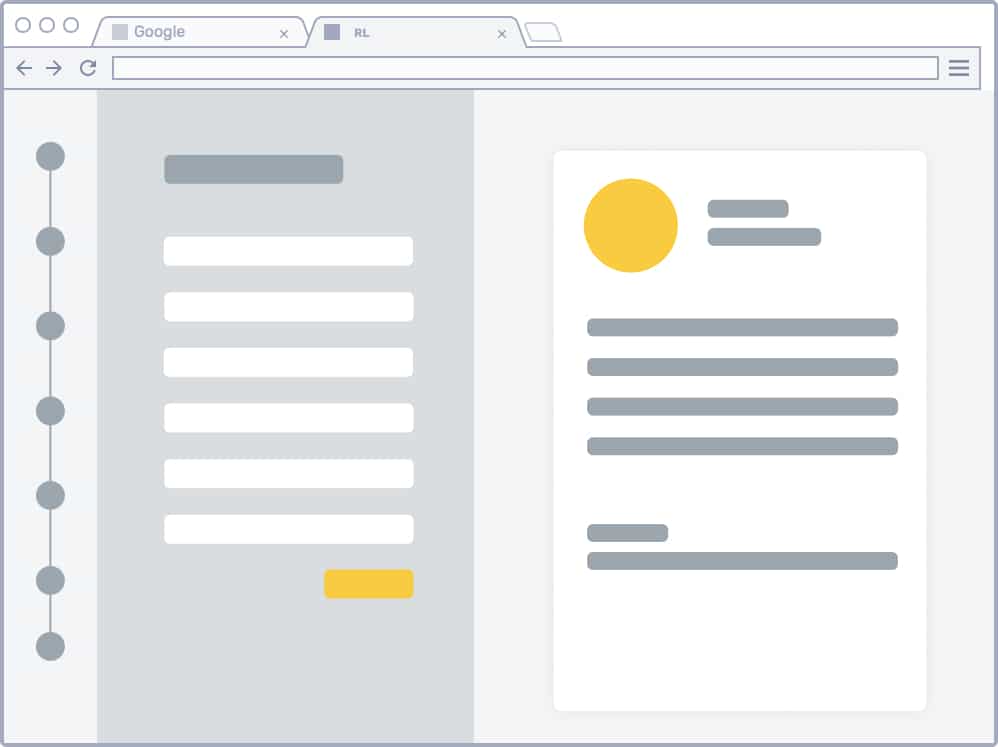
Basic wireframe
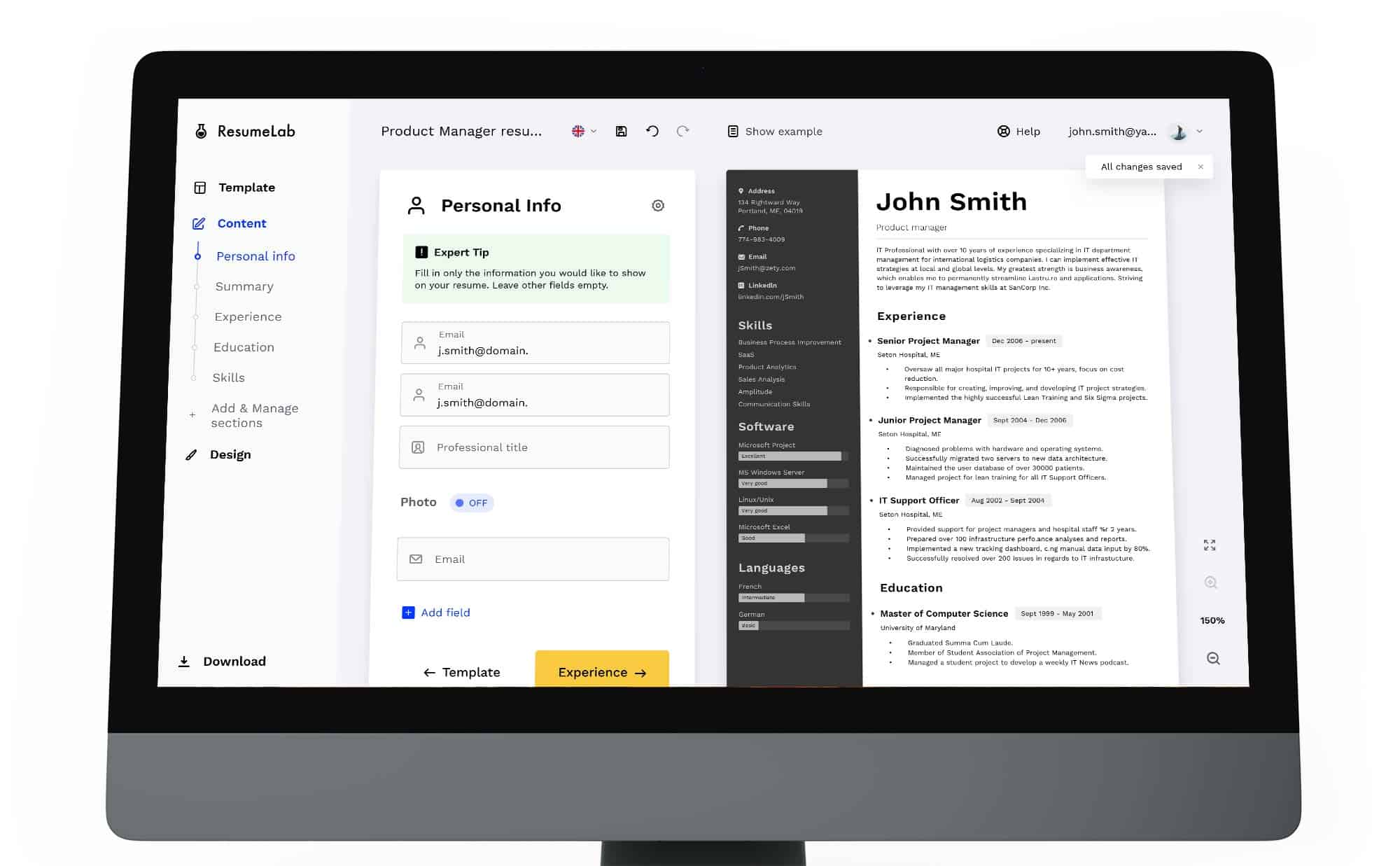
In the design process, all the key interface elements for the web application were developed like registration process, user logins were thought out, a Wizard module was also made, which welcomes the user and asks him some simple questions to better understand his needs.
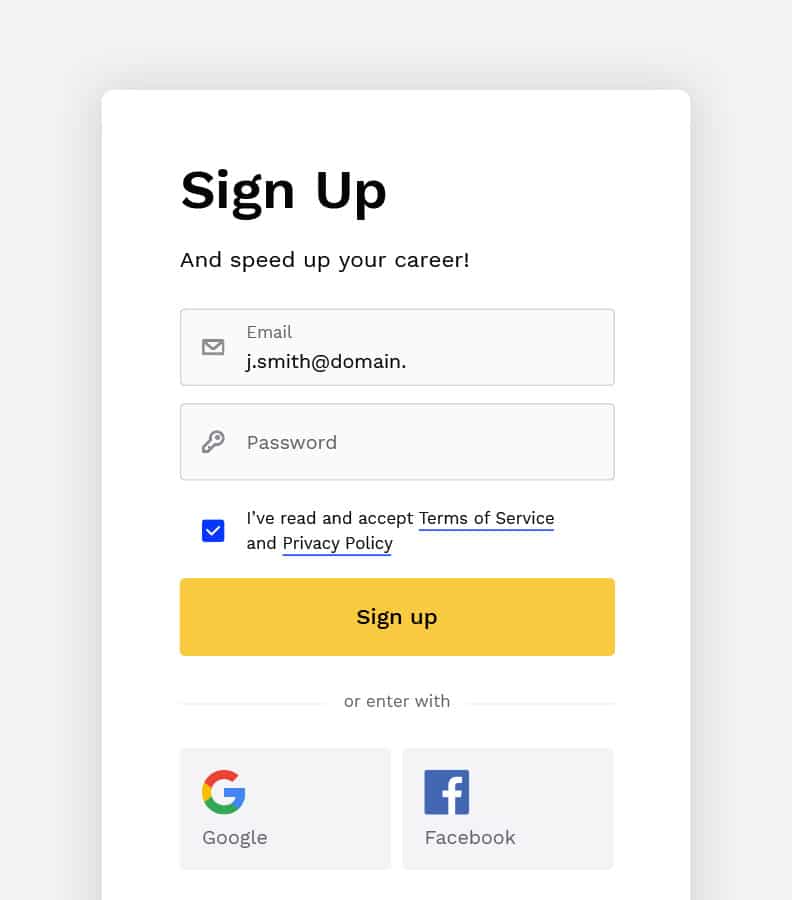
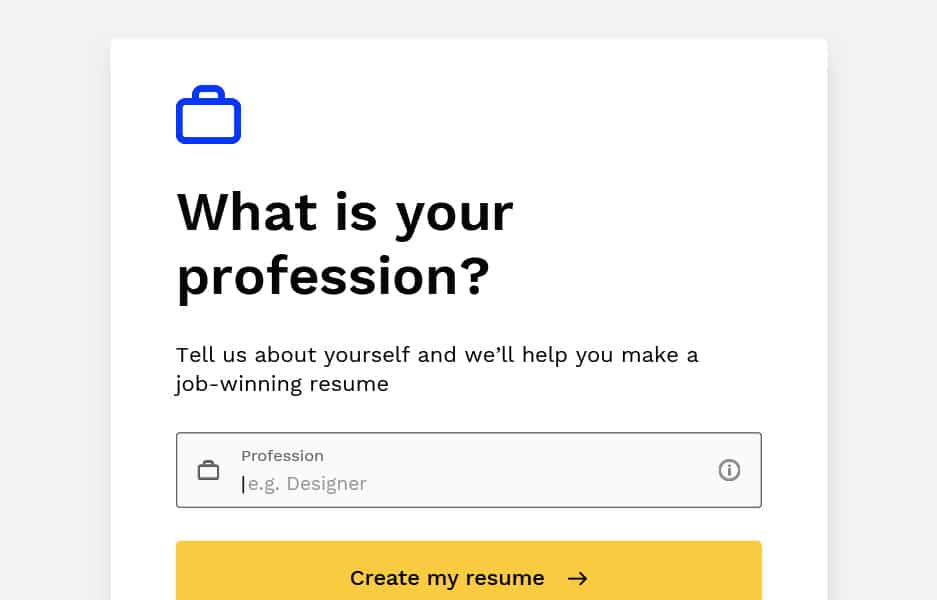
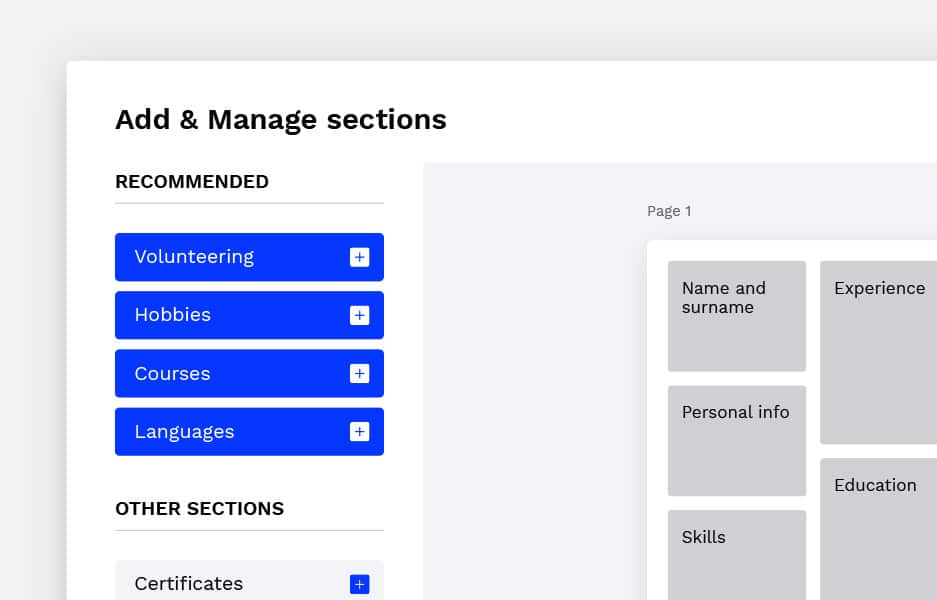
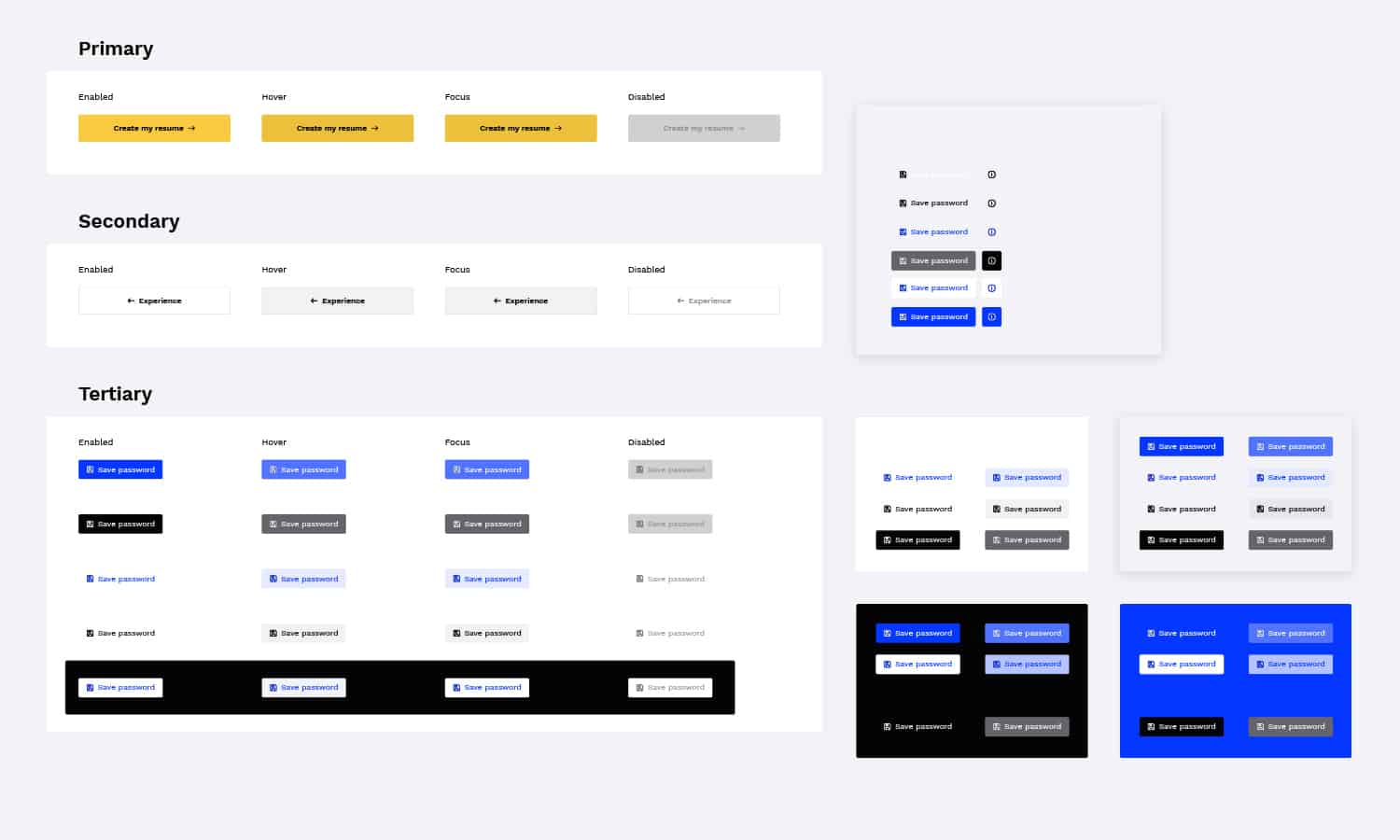
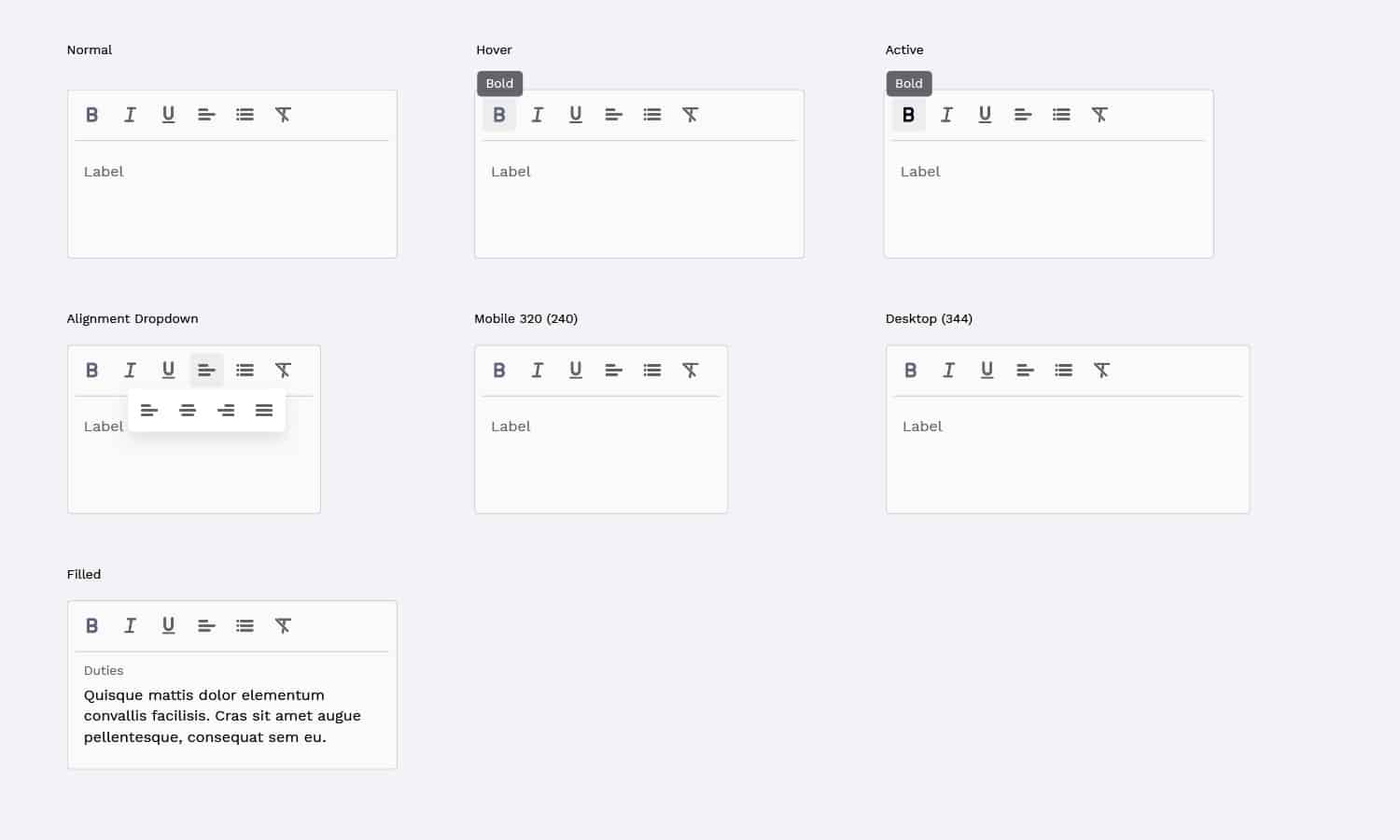
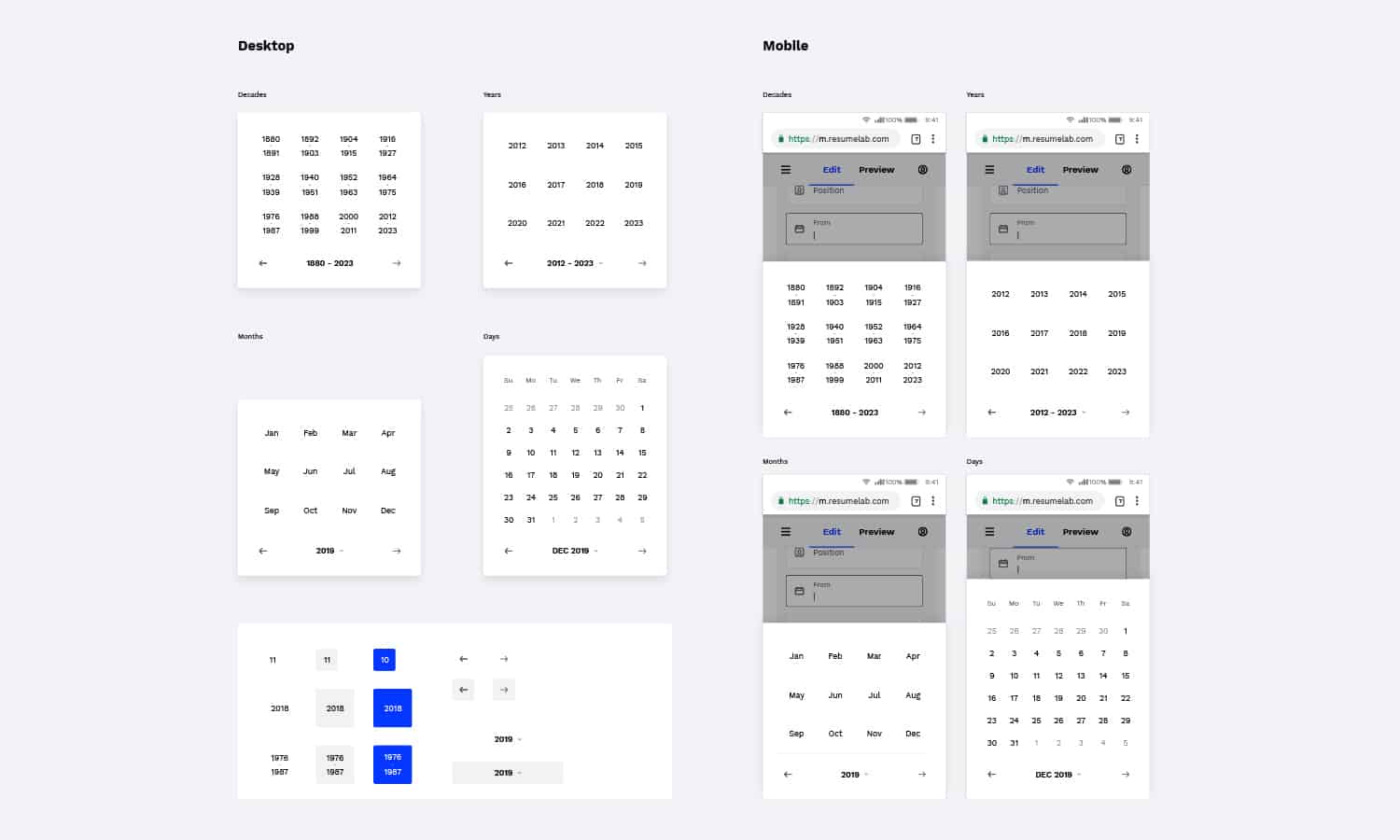
In the process, it turned out that it was also necessary to work out all the basic control elements of the interface, starting from buttons in all states and ending with Rich Text and a Calendar. This part of the project was rather laborious since it was important to coordinate all the details with the developers and sometimes to make the necessary compromises.
The mobile version was a lower priority despite the obvious trend of increasing popularity of mobile solutions. This decision was made based on user behavior statistics on the previous company’s tool. In short, users are less comfortable working on complex documents from their phone, and they prefer to use a desktop in these scenarios.
But despite this, enough time was allocated to work on the responsiveness and it was well thought out and done.
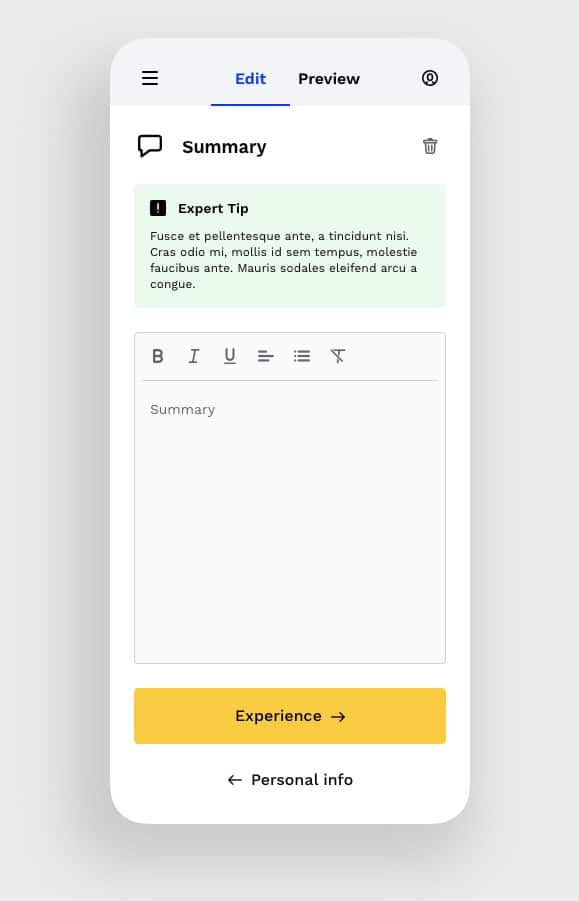
Tabs is the solution for mobile view
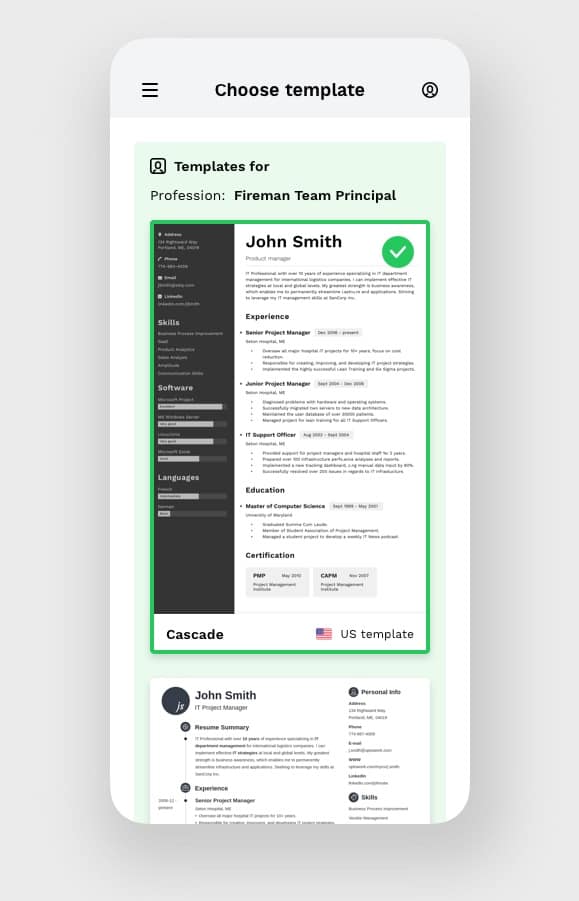
First step is the template choosing
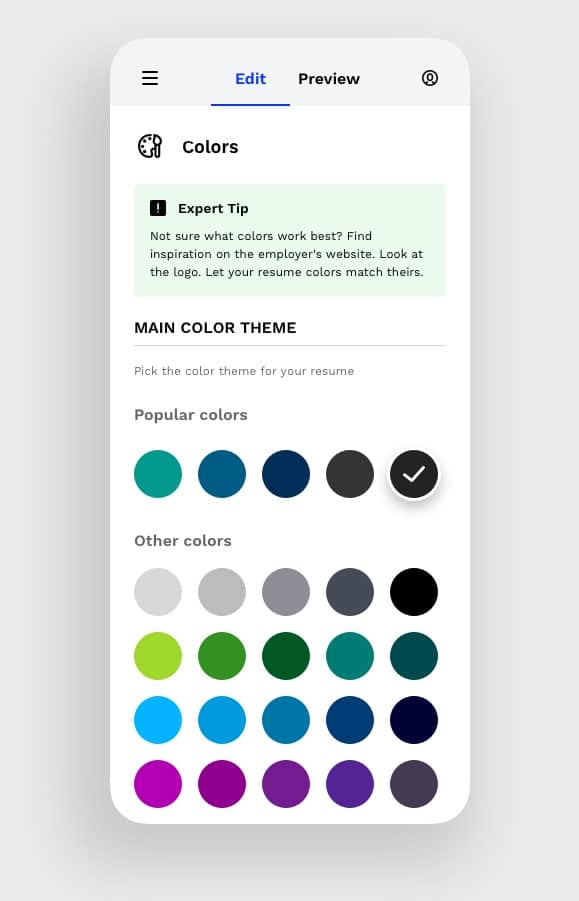
User can customize resume’s look
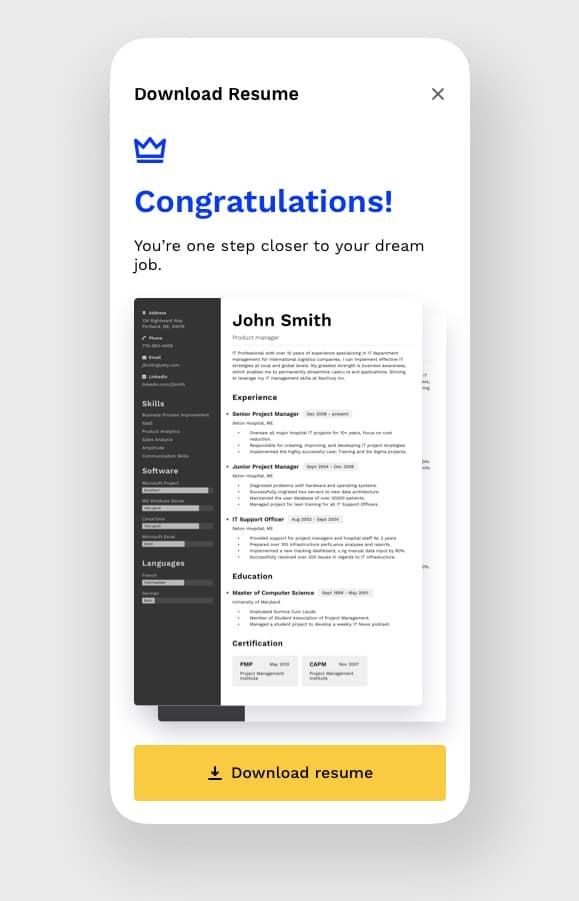
When it’s done, user can download document
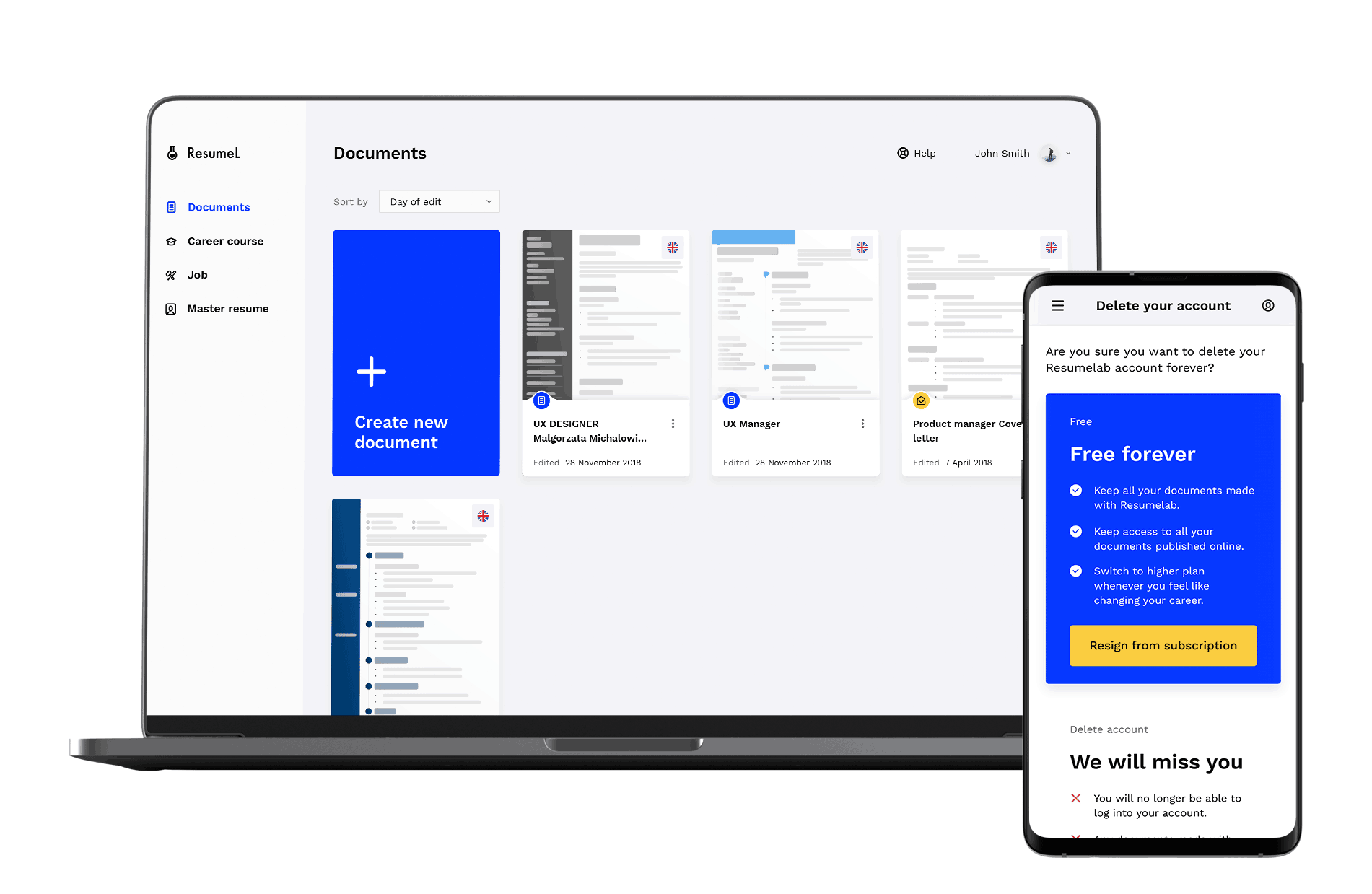
Dashboard is a place where the user sees all the created documents. This is the main control panel from where the user controls the operation of the entire tool, subscription, data, account settings.
This part of the tool was done at the MVP level and according to the plan, new sections, features and functionality will be added in next stages.